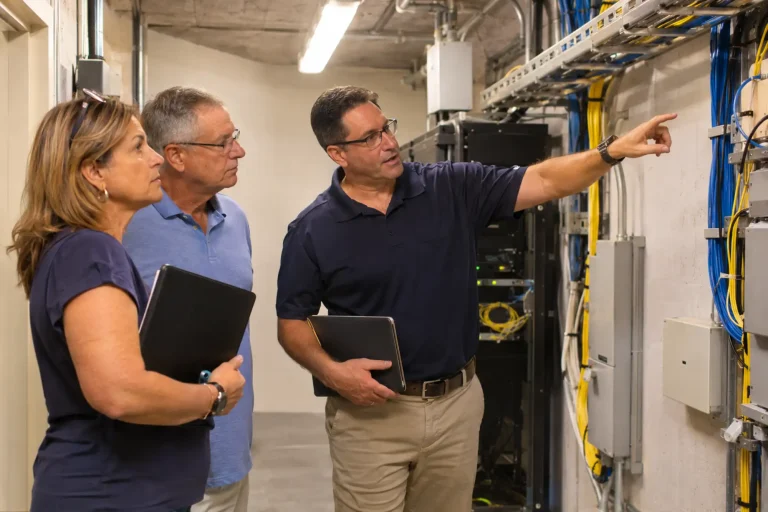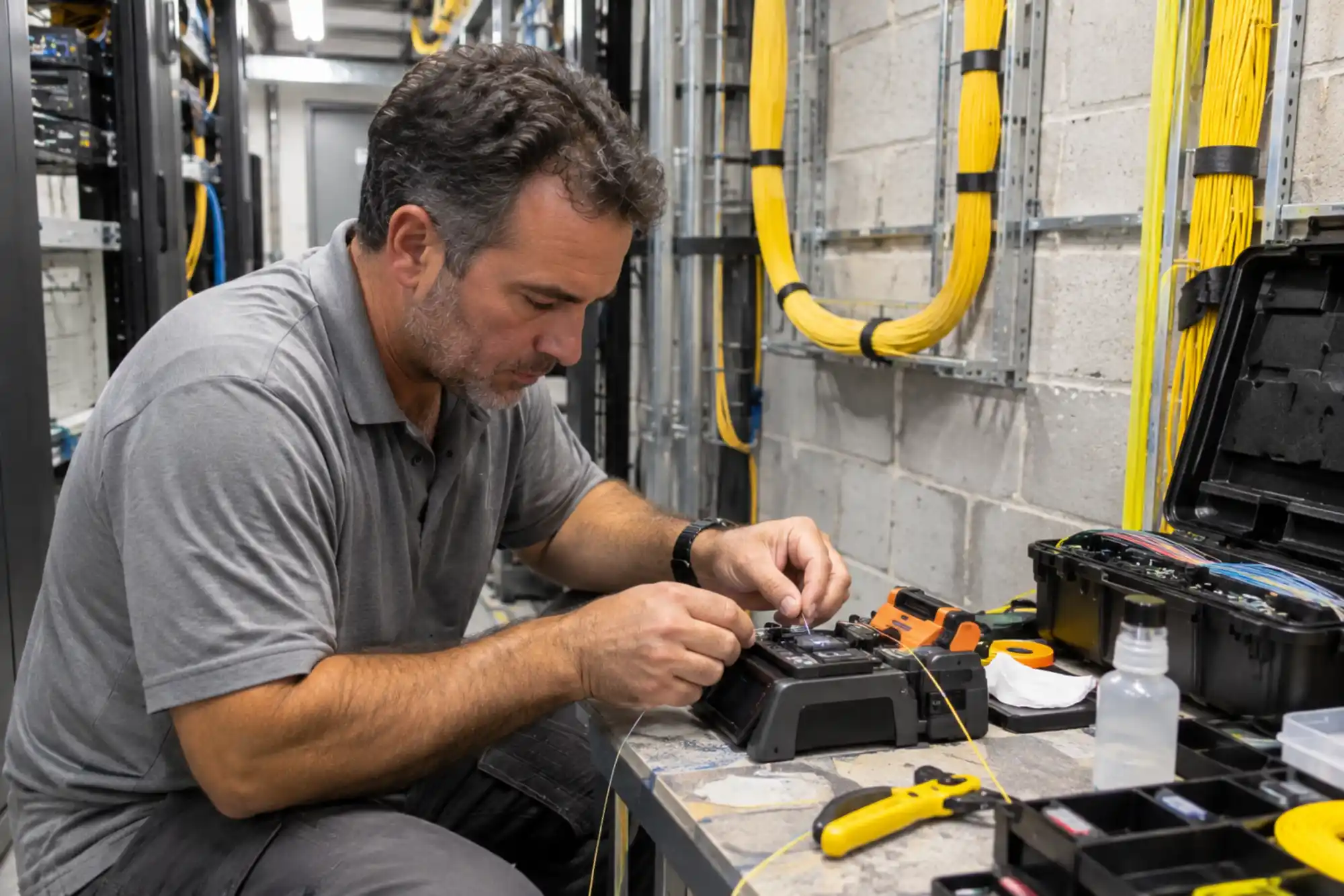
Two condo buildings on the same street can advertise the same download speed and deliver completely different experiences. In one, residents stream, work, and video call without thinking about it. In the other, the board hears every week about frozen Zoom calls, buffering at night, and a connection that never seems to match the plan. The difference usually comes down to the wire that reaches each unit, which is why fiber vs cable internet is one of the most important comparisons a Florida community can make.
Cable and fiber are both called “high speed internet,” and both can post impressive download numbers. But the two networks use different designs, share capacity differently, and handle uploads, peak hours, and storms differently. Those differences matter far more in a building with hundreds of residents than they do in a single house.
This guide explains how each network reaches your unit, why upload speed changes everything, what causes evening slowdowns, how each holds up in hurricane season, and what questions to ask before your board signs or renews an agreement.
In This Article:
- Fiber vs Cable Internet: The Short Answer
- Cable Internet: Fiber Plus Coax
- How Fiber Internet Reaches Your Unit
- Upload Speed: Fiber vs Cable Internet
- Evening Slowdowns: Cable vs Fiber Internet
- Reliability, Weather, and Hurricane Season
- Wi-Fi Inside the Home
- Fiber vs Cable Internet for Boards
- Questions to Ask Before You Switch
- Frequently Asked Questions
Fiber vs Cable Internet: The Short Answer
Fiber internet sends data as pulses of light through thin glass strands. Cable internet sends data as electrical signals over coaxial copper cable, the same kind of line that originally carried cable TV. That one physical difference explains most of what residents notice day to day.

- Upload speed: fiber can deliver the same speed up as down. Cable sends far more data down than up by design.
- Capacity: glass carries much more data than copper, so fiber has more room for growth.
- Consistency: fiber is less likely to slow down when the whole building is online at once.
- Interference: glass does not carry electrical current, so it is not affected by electrical interference the way copper can be.
- Future upgrades: fiber speeds can usually increase by changing equipment at each end, without rewiring the building.
Cable is not useless. Many households get by fine on it. But when a board is choosing a network that every resident will rely on for years, the fiber vs cable internet question is really a question about how much headroom the community will have five or ten years from now.
Cable Internet: Fiber Plus Coax
Most cable networks today are a hybrid. The provider runs fiber from its facility to a neighborhood node, and from that node, coaxial cable carries the signal the rest of the way to homes and buildings. The industry calls this design hybrid fiber coax, and the standard that moves data over the coax portion is DOCSIS.
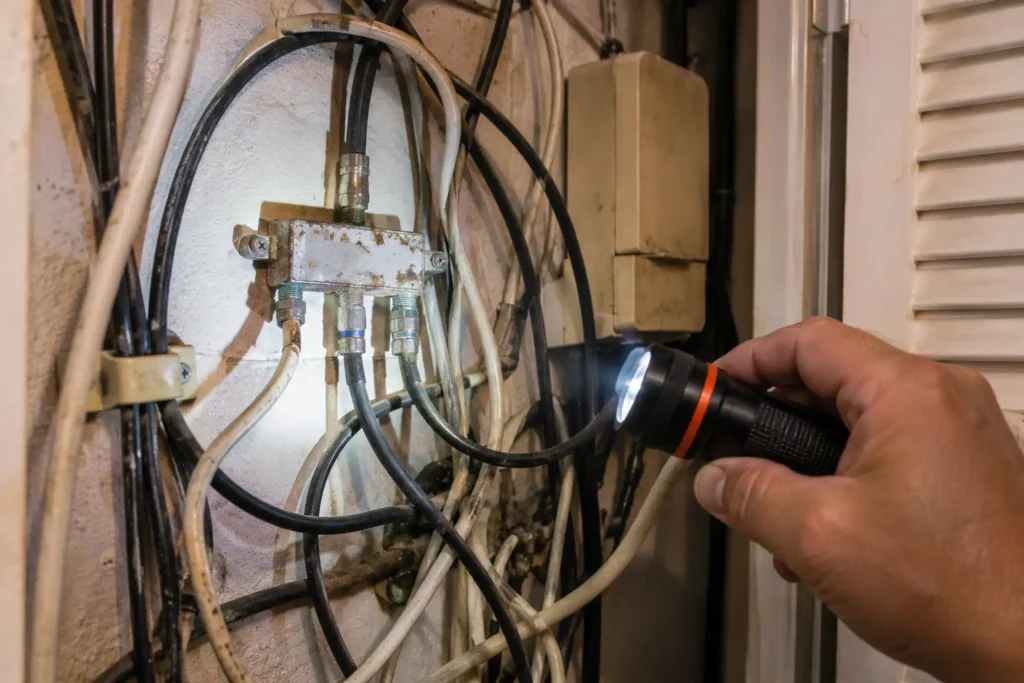
That is why some cable providers describe their service as “fiber powered.” Fiber does carry the traffic part of the way. But the last stretch into each unit is still copper, and that last stretch is where most of the limits live.
What that means inside a condo building
- Coax runs through risers and walls that may be decades old.
- Splitters, amplifiers, and aging connectors add signal loss and points of failure.
- Everyone served by the same node shares the same pool of capacity.
- Water intrusion and corrosion in older wiring can cause intermittent problems that are hard to diagnose.
Newer cable standards aim to raise speeds, including uploads, but those upgrades depend on the operator and on the condition of the coax in your building. A board has little control over either.
How Fiber Internet Reaches Your Unit
With fiber to the home, or fiber to the unit in a multi dwelling building, glass runs the entire distance from the provider’s network into each residence. Inside the unit, a small device called an optical network terminal, or ONT, converts the light signal into a connection your router and devices can use.
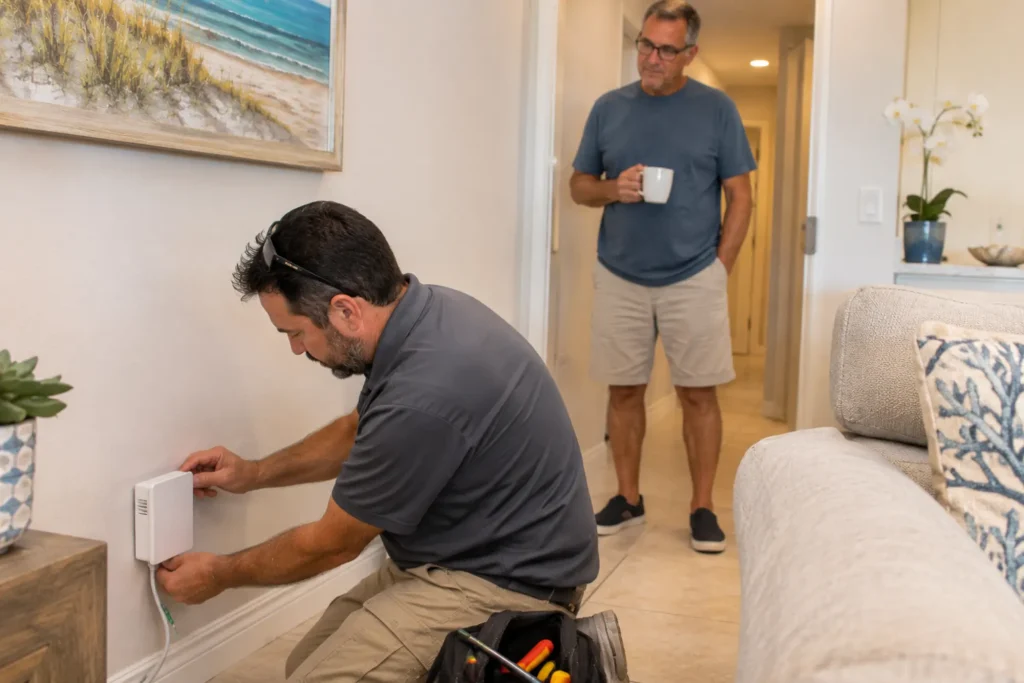
In a condo or apartment building, fiber typically enters a telecom room, travels up risers or through pathways to each floor, and terminates inside each unit. In a townhome or single family HOA, crews usually run it underground to each home. Either way, there is no copper segment between the provider and the resident.
Faster.io builds and runs its own 100% fiber network. In most communities, each unit can get up to 1 Gig x 1 Gig symmetrical service, and the network supports circuits up to 100 Gig where a building or business needs more. Because the medium is glass, speeds can grow as equipment improves rather than waiting for the building to be rewired. You can see how this works for associations on the Faster.io Communities page.
Upload Speed: Fiber vs Cable Internet
Most internet comparisons focus on download speed because that is the number on the advertisement. But upload speed is what determines whether a video call looks clear to the person on the other end, whether a cloud backup finishes overnight, and whether security cameras can send footage without slowing everything else down.

Cable networks are asymmetrical by design. Upload capacity is often a small fraction of download capacity, because the network was built when people mostly consumed content rather than created it. That design made sense for TV. It makes far less sense for a household where two people work from home, a teenager streams games, and a doorbell camera uploads clips all day.
Where residents feel upload limits
- Video calls: your camera feed freezes or drops to low quality for everyone else on the call.
- Telehealth visits: doctors lose the picture at the worst moment.
- Cloud storage: photo libraries and work files take hours to sync.
- Smart home devices: cameras and sensors compete for a narrow upstream channel.
Fiber removes that bottleneck, and it is the clearest difference in any fiber vs cable internet comparison. The FCC Broadband Speed Guide lists typical speed needs for common activities, and most of them now involve uploads as well as downloads. With symmetrical speeds, uploads run as fast as downloads, which is why fiber feels faster in daily use even when the download numbers look similar on paper.
Evening Slowdowns: Cable vs Fiber Internet
If residents say the internet is fine in the morning and terrible after dinner, the network is telling you something. Evening is when the most people stream, game, and video chat at once, so it is when shared capacity runs short. Holiday weeks make it worse, as our holiday streaming guide explains.

On a cable network, everyone on the same node shares the same coax capacity. When enough neighbors are online, each home’s slice gets smaller, and speeds dip. Providers can split nodes to reduce crowding, but that takes construction and investment on their schedule.
Fiber networks also share capacity at some points, but the capacity of glass is so much higher that the same crowd puts far less strain on it. The practical result is steadier speeds at 8 p.m., which is exactly when residents are most likely to complain.
How to test it in your community
- Ask a few residents to run a speed test at 9 a.m. and again at 8 p.m. for a week.
- Record both download and upload results.
- Compare the results to the speed residents are paying for.
A large gap between morning and evening results, or upload results far below download, is a strong sign the building has outgrown its network.
Reliability, Weather, and Hurricane Season
Florida communities think about reliability differently because every summer brings the risk of storms, flooding, and long power outages. The network inside and outside your building plays a big part in how quickly residents get back online.

Fiber has a few physical advantages. Glass does not conduct electricity, so it is not affected by electrical interference or power surges traveling along the line the way copper can be. It is also less prone to corrosion than copper connectors, which matters in humid, salty coastal air.
No network works without power, though. Both fiber and cable need electricity at the provider’s equipment and inside each home. Residents who want to stay connected during an outage should plan for battery backup for their ONT and router, and boards should ask any provider how its network is designed and how it restores service after a storm.
Faster.io’s network is built for over 99% reliability, and its commitments are published in its Service Level Agreement. Ask every provider for written commitments rather than verbal assurances.
Wi-Fi Inside the Home
Residents do not experience fiber or cable directly. They experience Wi-Fi. A fast connection can still feel slow if the router sits in a closet behind concrete walls, which is common in Florida construction.
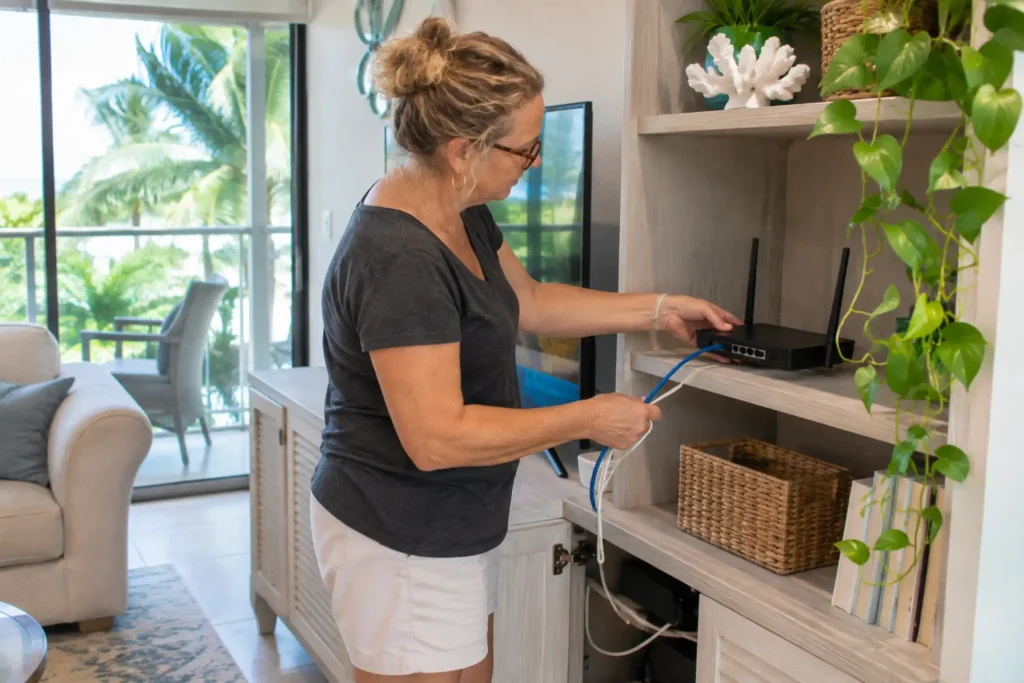
That is why the equipment inside the unit matters as much as the network outside it. Faster.io provides Wi-Fi 7 for whole home coverage, designed to keep laptops, phones, TVs, and smart home devices connected throughout the unit rather than only near the router.
Simple Wi-Fi habits that help
- Place the router in an open, central spot rather than inside a cabinet.
- Plug stationary devices such as TVs and desktop computers in with an ethernet cable when possible.
- Restart equipment occasionally and keep it updated.
- Call support if one room always drops, since a technician can often improve coverage.
Residents can find setup help and support resources on the Faster.io support page.
Fiber vs Cable Internet for Boards
For a single homeowner, choosing between fiber and cable is a personal decision. For a board, it is an infrastructure decision that affects every owner, the budget, and the community’s appeal for years.
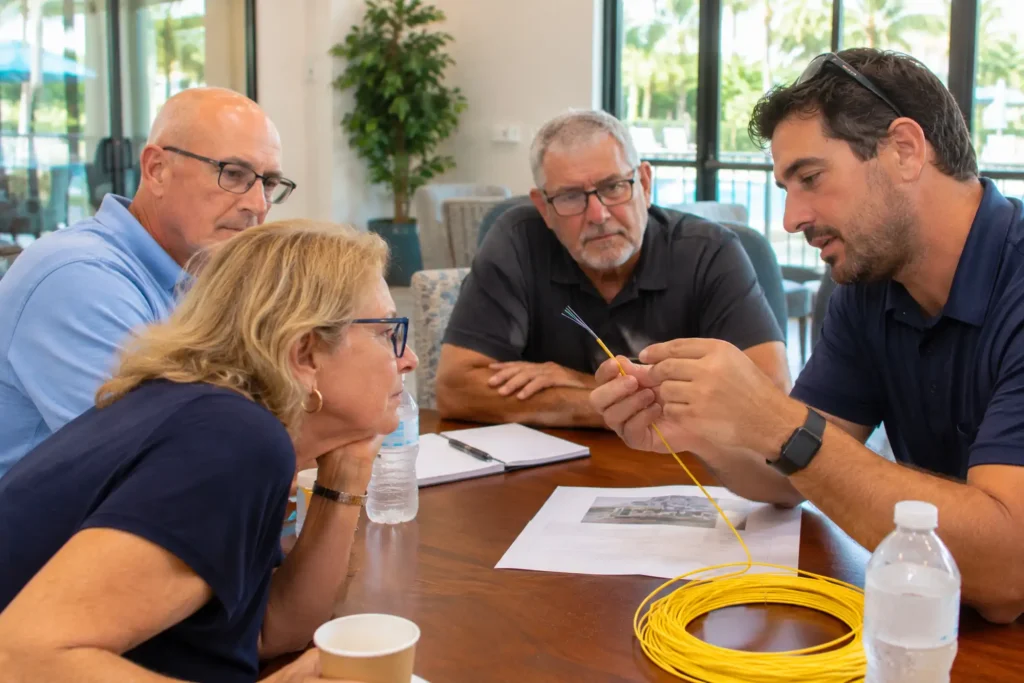
A bulk agreement usually locks the community into one network for its full term. If your board is new to the model, here is how bulk internet works for HOA communities. If that network cannot keep up with uploads, evening demand, or future speed needs, the board will hear about it at every meeting until the contract ends. Choosing fiber at the start avoids a second construction project later.
Why fiber fits a long term agreement
- Capacity for growth: resident demand keeps rising with remote work, 4K streaming, and smart devices.
- Fewer complaints: symmetrical speeds and steadier evening performance reduce the issues boards hear about most.
- Buyer and renter appeal: people increasingly ask about internet before they choose a home.
- Cost clarity: with Faster.io, advertised prices include all service features with no hidden fees, and there are no data caps or overage charges.
What about 5G home internet, fixed wireless, or DSL?
Boards sometimes hear that wireless options or older phone line service could replace a wired network. 5G home internet and fixed wireless send data over the air, so performance depends on signal strength, building materials, and how many people share the nearby tower. Thick concrete walls and high rise floors can make that inconsistent from one unit to the next. DSL runs over copper telephone lines and generally offers far lower speeds than cable or fiber. For a community wide agreement that every unit depends on, a wired fiber connection to each residence is the more predictable choice.
Pair the network decision with the agreement itself. A strong network under a weak contract is still a risk, so have the association attorney review terms before anything goes to owners.
Questions to Ask Before You Switch
Whether you are comparing proposals or renewing an existing bulk deal, ask every provider the same questions in writing. The answers make the fiber vs cable internet comparison concrete.
- Is the connection fiber all the way to each unit, or does it convert to coax or copper inside the building?
- What are the upload and download speeds per unit, and are they symmetrical?
- How is capacity managed during evening peak hours?
- Are there data caps, overage charges, or equipment fees?
- What Wi-Fi equipment is included in each unit?
- Who answers resident support calls, and are they the provider’s own employees?
- What reliability commitments are in writing, and where is the service level agreement?
- How will construction be handled in an occupied building?
- Can speeds increase during the term without new construction?
Faster.io’s answers start from a site survey and a custom fiber design for your property, so the proposal reflects your actual buildings rather than a generic package.
Frequently Asked Questions
Why does cable internet slow down at peak hours?
Cable customers on the same neighborhood node share the same coax capacity. In the evening, when many people stream and game at once, each home’s share shrinks and speeds drop. Fiber also shares capacity at some points, but glass carries far more data, so the slowdown is much less noticeable.
Is fiber internet faster than cable for uploads?
Yes, in most cases by a wide margin. Cable has much less upload capacity than download capacity by design. Fiber can deliver symmetrical speeds, so uploads run as fast as downloads, which makes video calls, backups, and camera uploads far smoother.
Is fiber internet more reliable than cable in bad weather?
Fiber is made of glass, so it does not carry electrical current and is not affected by electrical interference the way copper can be. It also resists corrosion better than copper connectors. Both networks still need power, so battery backup in each home and a provider with a clear restoration plan both matter.
How do I know if my building’s internet is fiber all the way to the unit?
Ask the provider directly whether the connection converts to coax or copper inside the building. A true fiber to the unit connection usually ends at an optical network terminal, or ONT, inside the residence. If your service arrives on a coax cable into a cable modem, the last stretch is copper.
Do I need a new router if my community switches to fiber?
Usually the provider supplies the equipment needed for the new service. With Faster.io, residents get Wi-Fi 7 for whole home coverage. Ask your provider what equipment is included so residents know what to expect on install day.
Can older Florida condo buildings get fiber?
Yes. Providers retrofit many older buildings with fiber using existing risers, conduits, and pathways where possible. The process starts with a site survey and a custom design so construction fits the building and keeps disruption to a minimum.
Making the Switch From Cable to Fiber Internet
The fiber vs cable internet decision looks technical, but for a Florida community it comes down to a few practical questions. Will residents be able to work, stream, and video call at 8 p.m. without problems? Will uploads keep up with cameras, cloud storage, and telehealth? And is there room for the network to grow when the next agreement comes up for renewal?
Cable can deliver solid download speeds, but its copper last stretch, asymmetrical design, and shared node capacity limit what residents experience. Fiber runs glass all the way to each unit, delivers symmetrical speeds, and gives the community a network that can grow without rewiring.
Faster.io builds and runs its own 100% fiber network and gives communities and businesses one accountable partner for internet, TV, and phone, backed by its own in house support team. If your board is weighing a switch or a renewal, request a site survey or bulk quote and we will show you what fiber would look like in your buildings. Business owners can request a business fiber quote on the same page or call (954) 887-1112.