The holidays are when the whole household finally sits down together, and more often than not, someone reaches for the remote. Family movie nights, bowl games, the New Year’s Eve countdown, grandkids on tablets, and relatives video calling from up north all land on the same home network in the same few weeks. This holiday streaming guide is about making that time easy: what to watch, and how to make sure the picture does not freeze right when the movie gets good.
Streaming problems during the holidays are rarely bad luck. They usually come from more devices than usual, guests joining the Wi-Fi, a router hidden in a closet, or a building network that slows down when everyone is home at once. Most of those issues can be fixed in an afternoon.
Below you will find a simple plan for getting your home network ready, how to set up the TV for family night, a list of classic holiday movies to queue, live events worth watching, tips for streaming with a full house, and what condo and HOA communities can do to keep every resident’s season running smoothly.
In This Article:
- Why Holiday Streaming Feels Slower
- Get Your Network Ready for Holiday Streaming
- How Much Speed Holiday Streaming Needs
- TV Setup for Family Movie Night
- Classic Holiday Movies to Queue
- Live Holiday Events Worth Streaming
- Holiday Streaming With a Full House
- Fixing Buffering Before It Starts
- Holiday Streaming for Condo Communities
- Frequently Asked Questions
Why Holiday Streaming Feels Slower
If your streaming works fine in October and struggles in December, you are not imagining it. The holidays change how a household uses the internet, and they change how the whole building uses it too.
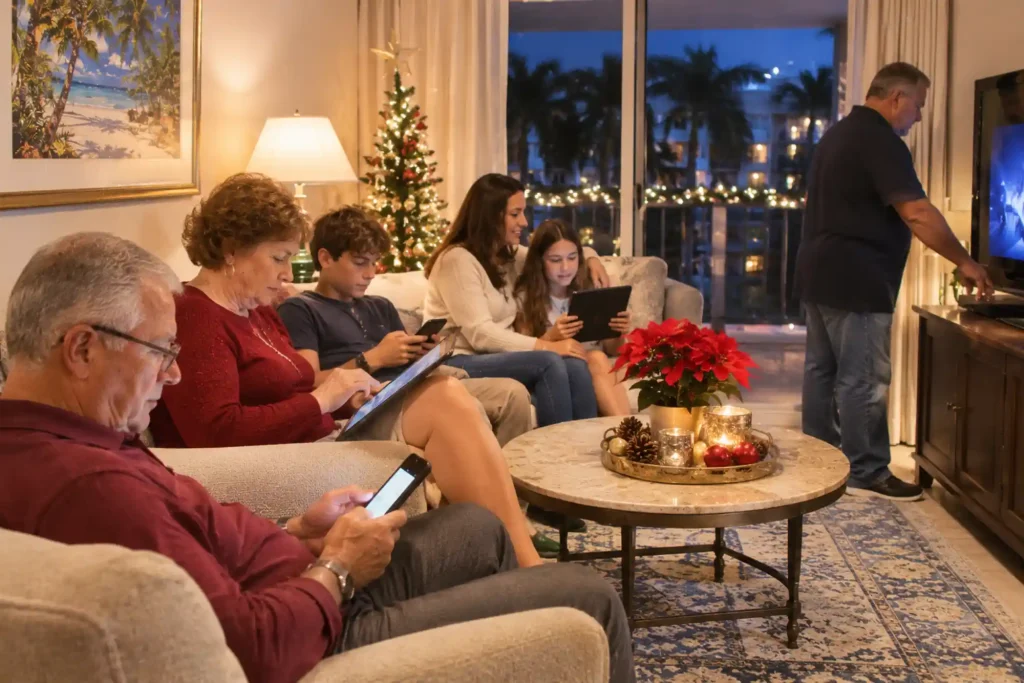
- More devices: guests bring phones, tablets, laptops, and game consoles, and every one of them joins your Wi-Fi.
- More at once: one person streams a movie in the living room while another watches a game in the bedroom and the kids play online.
- More neighbors online: in a condo or apartment building, everyone is home on the same evenings, which puts the most load on the network.
- More uploads: video calls with family, photo backups, and doorbell cameras all send data up, not just down.
That is why a holiday streaming guide has to start with the network, not the movie list. The fix starts with knowing which of these is the bottleneck. Sometimes it is the Wi-Fi inside the home. Sometimes it is the building network. This holiday streaming guide covers both.
Get Your Network Ready for Holiday Streaming
The first step in this holiday streaming guide happens before anyone presses play. A little preparation before relatives arrive saves a lot of troubleshooting later. Set aside an hour the week before your first gathering and work through these steps.
- Restart your equipment. Power off the router and any mesh units for a minute, then turn them back on.
- Check for updates. Update your streaming apps, smart TV, and streaming devices so they are not downloading updates during movie night.
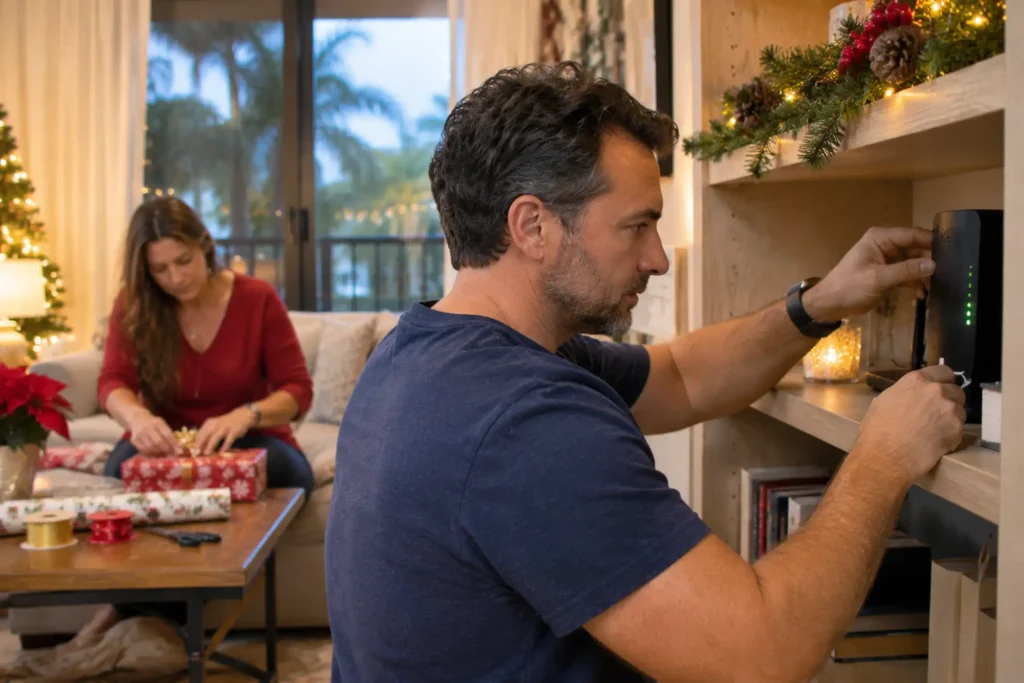
- Move the router into the open. Routers inside cabinets or behind TVs lose a lot of range, especially in Florida homes with concrete block walls.
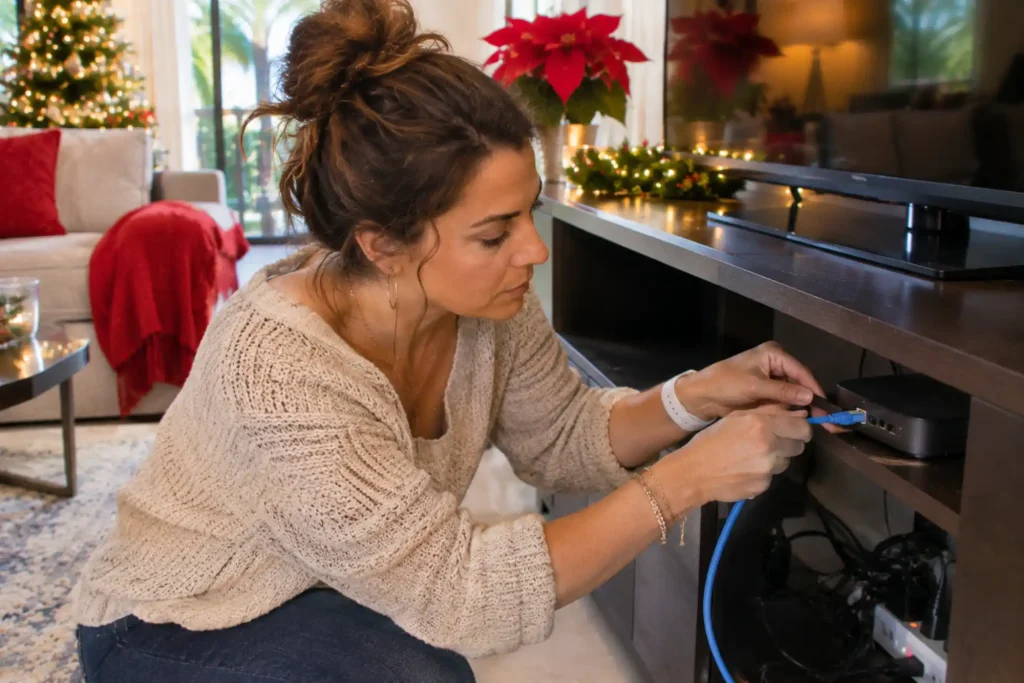
- Plug in what you can. Connect the main TV or streaming box with an ethernet cable if a port is nearby.
- Set up a guest network. Give visitors their own Wi-Fi name and password so their devices stay separate from yours.
- Run a speed test at night. Test around 8 p.m., when your household and your neighbors are most active.
If your evening speed test is far below what you pay for, or if upload speed is a small fraction of download speed, write that down. It tells you whether the problem is inside the home or in the network serving it.
How Much Speed Holiday Streaming Needs
Every streaming app publishes its own recommended speeds, and 4K streams need much more than standard definition. The FCC Broadband Speed Guide is a good neutral reference for typical needs by activity. The more useful question for the holidays is how many streams and devices will run at the same time.

Count the devices that might be active on your busiest evening: TVs, phones, tablets, laptops, consoles, cameras, and smart speakers. Then think about the heaviest uses at once, such as a 4K movie, a game download, and a video call. Check your apps’ help pages for their recommended speed per stream and add them up.
Why fiber handles busy households better
Fiber carries data as light over glass, so it has far more capacity than coax or copper wiring. Our fiber vs cable internet comparison explains why that gap shows up most at 8 p.m. On a fiber connection with symmetrical speeds, uploads run as fast as downloads, which keeps video calls clear even while someone else is streaming. Faster.io’s 100% fiber network delivers up to 1 Gig x 1 Gig symmetrical service to each unit in most communities, with unlimited data and no data caps or overage charges, so a long weekend of streaming does not come with a surprise on the bill.
TV Setup for Family Movie Night
A few settings make a big difference when the whole family is watching. Most of them take a couple of minutes.
- Sign in ahead of time. Make sure you are logged into every app you plan to use, so you are not resetting passwords with a room full of people waiting.
- Turn off motion smoothing. Many TVs ship with a setting that makes movies look like video. Look for “motion” or “smoothing” in picture settings.
- Pick a picture mode for movies. Modes labeled “movie,” “cinema,” or “filmmaker” usually look closer to how films were meant to be seen.
- Turn on captions if needed. Captions help when the room is noisy or when older relatives have trouble hearing dialogue.
- Set up profiles for kids. Kids’ profiles and parental controls keep young viewers on age appropriate content.
If you are hosting relatives who are not comfortable with streaming apps, write the steps on a sticky note next to the remote. It saves a lot of phone calls from the guest room.
Classic Holiday Movies to Queue
Every family has its favorites, but a few titles show up on almost every list. Streaming availability changes from year to year, so search for each title in your apps or on your TV’s universal search to see where it is playing this season.

Timeless classics
- It’s a Wonderful Life (1946)
- Miracle on 34th Street (1947)
- White Christmas (1954)
For the kids and the young at heart
- A Charlie Brown Christmas (1965)
- How the Grinch Stole Christmas! (1966)
- The Polar Express (2004)
- Klaus (2019)
Family comedies
- National Lampoon’s Christmas Vacation (1989)
- Home Alone (1990)
- Elf (2003)
The simplest part of any holiday streaming guide is also the most useful: plan a short list rather than scrolling for half an hour. Let each person pick one title for the week, and queue them in a watchlist so movie night starts on time.
Live Holiday Events Worth Streaming
Live TV is where streaming problems are most frustrating, because you cannot pause and wait for the buffer to catch up. The holiday season is packed with live events that families like to watch together.

- Holiday sports: professional football and basketball games on Christmas Day, and college bowl games through the end of the year.
- New Year’s Eve countdowns: live broadcasts from Times Square and celebrations across the country.
- Holiday specials and concerts: tree lightings, choir performances, and variety specials.
- Local events: boat parades and community celebrations in South Florida that sometimes stream online.
Live sports are the toughest test in any holiday streaming guide. For live events, connect the main TV by ethernet if you can, close other streams in the house during the big moment, and start the stream a few minutes early so the app settles on its best quality. Residents in communities with DIRECTV Bulk Streaming can find their channel lineup and options on the Faster.io TV page.
Holiday Streaming With a Full House
When the guest room fills up, so does your network. A few simple rules keep everyone happy without turning you into the household IT department.

Share Wi-Fi the smart way
A guest network keeps visitors’ devices separate from your computers, cameras, and smart home devices. Many routers let you share the guest network with a QR code, so guests can scan instead of typing a long password.
Spread out the heavy use
Large game downloads and phone backups can wait until overnight. Ask guests to download updates before they arrive or schedule them for late night, when nobody is streaming.
Keep video calls clear
Video calls with family who could not make the trip depend on upload speed. On a cable connection with limited upload capacity, one call can struggle while others stream. On a symmetrical fiber connection, the call has room even with a full house.
Faster.io provides Wi-Fi 7 for whole home coverage, which is designed to handle many connected devices at once across the home. If a room still drops, residents can reach help through the Faster.io support page.
Holiday streaming tips for snowbirds
December is also when many seasonal residents return to South Florida. If your condo sat empty for months, the router and streaming devices may need attention before the family arrives. Restart everything, install pending updates, and sign back into your streaming apps the day you get in, not the night of the first gathering. If you changed your Wi-Fi password while you were away, reconnect smart TVs and streaming sticks first, since those are the devices guests will use most. A quick speed test that evening tells you whether service is running normally after the time away.
Make a one page plan for the house
Write down the guest Wi-Fi name and password, which apps the TVs use, and the support number for your internet service. Tape it inside a kitchen cabinet or leave it next to the remote. It takes ten minutes, and it turns this holiday streaming guide into something the whole household can follow without asking you every time.
Fixing Buffering Before It Starts
When the spinning wheel appears, run through this quick list before calling for help. Most buffering has a simple cause.
- Check other devices. Pause downloads, backups, and other streams in the house.
- Restart the app. Close the streaming app completely and reopen it.
- Restart the streaming device. Unplug the streaming stick or box for 30 seconds.
- Try a wired connection. If the TV works fine on ethernet, the issue is Wi-Fi coverage.
- Test another app. If one app buffers and others do not, the problem may be on that service’s side.
- Run a speed test. Compare the result with what you pay for, and note the time of day.
If buffering happens every evening across every app, the home network or building network may simply be too crowded at peak hours. That is a conversation worth having with your provider, or with your board if your community has a bulk agreement.
Holiday Streaming for Condo Communities
For condo and HOA boards, the holidays are a good reminder of how much residents rely on the community’s internet and TV service. The weeks when residents complain most are often the weeks when the most family members are visiting.
Many Florida communities still pay for older bulk cable TV packages over aging coax wiring. A modern bulk agreement can combine fiber internet with streaming TV, so every resident gets fast, consistent service and a shared TV package without a cable box in every room. If your board is new to the idea, here is how bulk internet for HOA communities works.
Faster.io offers DIRECTV Bulk Streaming for all residents, with optional package upgrades billed directly to the resident, along with a 100% fiber network, symmetrical speeds, and support handled by its own employees rather than an outsourced call center. Boards can learn more on the Faster.io Communities page, and reviewing the community’s service before the next holiday season is a smart item for the new year’s agenda. This bulk internet contract checklist gives boards 12 questions to bring to that meeting.
Frequently Asked Questions
Where can I stream holiday movies this year?
Streaming rights change every season, so the same movie may be on a different service than last year. Use your TV’s universal search or each app’s search bar to find where a title is playing. Many classics also air on live TV channels during December.
How much internet speed do I need to stream in 4K?
Each streaming service publishes its own recommendation for 4K, so check the help page of the apps you use. Then multiply by the number of streams that might run at once and leave room for video calls and other devices. A fiber connection with symmetrical speeds gives a busy household the most headroom.
How many devices can stream at once?
It depends on your internet speed, your router, and each app’s account limits. Many streaming plans also limit simultaneous streams per account. Wi-Fi 7 equipment and a fiber connection help a home handle many devices at the same time.
Why does my TV buffer even with fast internet?
Buffering often comes from weak Wi-Fi where the TV sits, too many devices active at once, or an app issue rather than the internet plan itself. Try a wired connection, restart the device, and pause other heavy downloads before assuming the plan is too slow.
Should I give holiday guests my Wi-Fi password?
It is safer to set up a guest network with its own name and password. That keeps guest devices separate from your computers, cameras, and smart home devices, and you can change the guest password after the holidays.
Does streaming use a lot of data?
Yes, especially in 4K, and a long holiday weekend can add up quickly. On plans with data caps, that can lead to overage charges. Faster.io service includes unlimited data with no data caps or overage charges.
Enjoy a Smooth Holiday Streaming Season
A good holiday streaming guide is really a plan for a busy household: get the network ready before guests arrive, set up the TV for family night, keep a short list of movies ready, and know how to fix buffering in a minute or two. With a guest network, a wired connection for the main TV, and a quick speed test at night, most homes can stream through the season without a single argument over the remote.
If your evening speeds are well below your plan or video calls keep freezing, the issue may be the network serving your home or building. Fiber with symmetrical speeds and unlimited data removes the most common holiday bottlenecks.
Faster.io builds and runs its own 100% fiber network and gives communities one accountable partner for internet, TV, and phone, backed by its own in house support team. Boards and managers who want a better season for residents next year can request a site survey or bulk quote. Businesses can request a business fiber quote on the same page or call (954) 887-1112.